
Vention USB-C to Gigabit Ethernet Adapter: Complete Review and Setup Guide
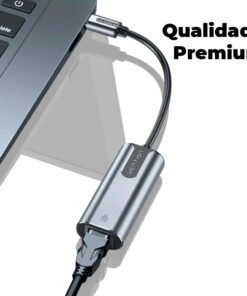
If your thin laptop lacks an internet port, you probably suffer from dropping Wi-Fi signals during critical tasks. The Vention USB-C to Gigabit Ethernet Adapter solves this problem instantly by providing a high-speed, stable, and wired internet connection. Whether you are gaming online, streaming 4K video, or handling intensive remote office workloads, this compact networking tool delivers a reliable alternative to wireless networks.
In this comprehensive guide, we cover everything you need to know about this adapter, including its technical specifications, system compatibility, and how to get it running perfectly on your device.
Technical Specifications: What is Inside?
Vention designs its networking accessories to deliver high performance without taking up space. Here is the technical breakdown of what this compact adapter offers:
- High-Speed Networking: It supports full Gigabit Ethernet speeds of 10/100/1000 Mbps. Therefore, you can maximize your high-speed fiber internet subscription.
- Upgraded Chipset: The device features a premium ASIX AX88179 chipset. This specific chip ensures stable data transmission and prevents sudden disconnections.
- USB 3.1 Gen 1 Interface: Because it utilizes the USB 3.1 standard, the hardware handles up to 5 Gbps of data bandwidth easily.
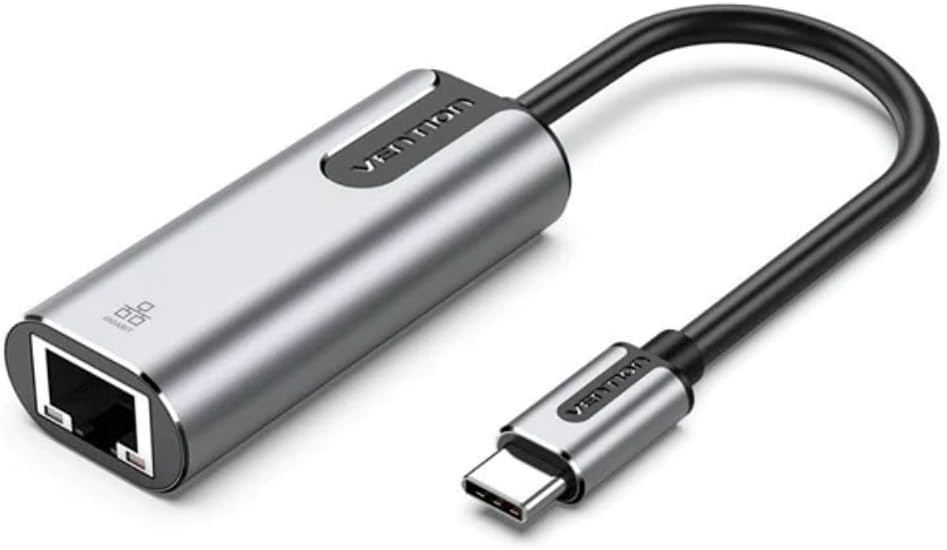
- Compact Build: The integrated cable measures exactly 0.15 meters (15 cm), which keeps your desk clean and free of cable clutter.
OS Compatibility and System Setup
Fortunately, this network converter is built on a user-friendly Plug and Play architecture. This means you do not have to download manual drivers or run complicated software installations for modern operating systems.
1. Windows and macOS
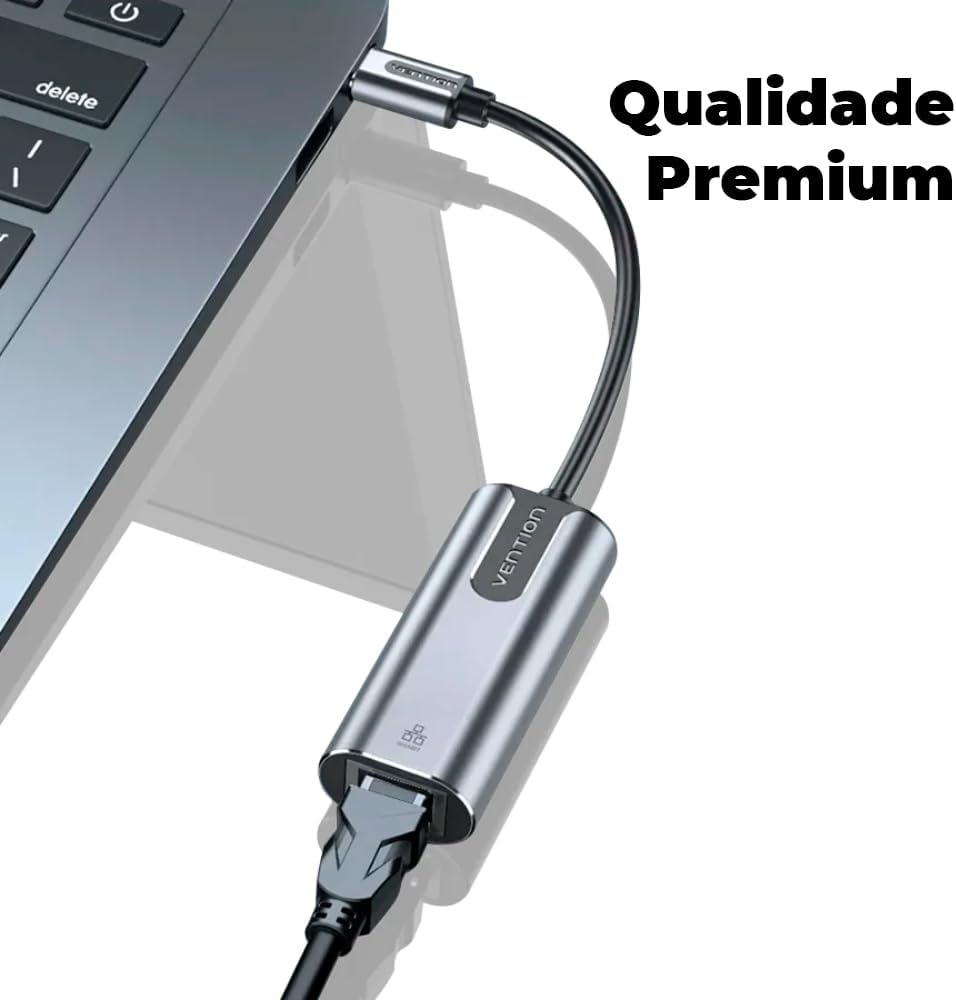
First, simply plug the adapter into any open Type-C port on your Windows 10/11 laptop or Apple MacBook. The operating system will automatically recognize the ASIX chipset within five seconds and activate your wired network connection.
2. Nintendo Switch, Android, and iPadOS
Gamers can plug this adapter directly into the Nintendo Switch console or its official dock. Because it offers low latency, your online multiplayer matches will experience significantly less lag. Additionally, it works natively with modern iPads and USB-C Android smartphones for high-speed mobile data tasks.
3. Advanced Networking Profiles
For network administrators, the hardware fully supports advanced configurations. These features include Wake-on-LAN (WoL), Full-Duplex (FDX) flow control, and automatic crossover detection (DIM-X).
Be the first to review “Vention USB-C to Gigabit Ethernet Adapter”
Related products

Reviews
There are no reviews yet.